Advanced Configuration
Advanced configurations such as custom rules enable fine-tuning of Warehouse Optimization behavior. The following scenarios illustrate when these configurations are most useful.
When Should Custom Rules Be Used?
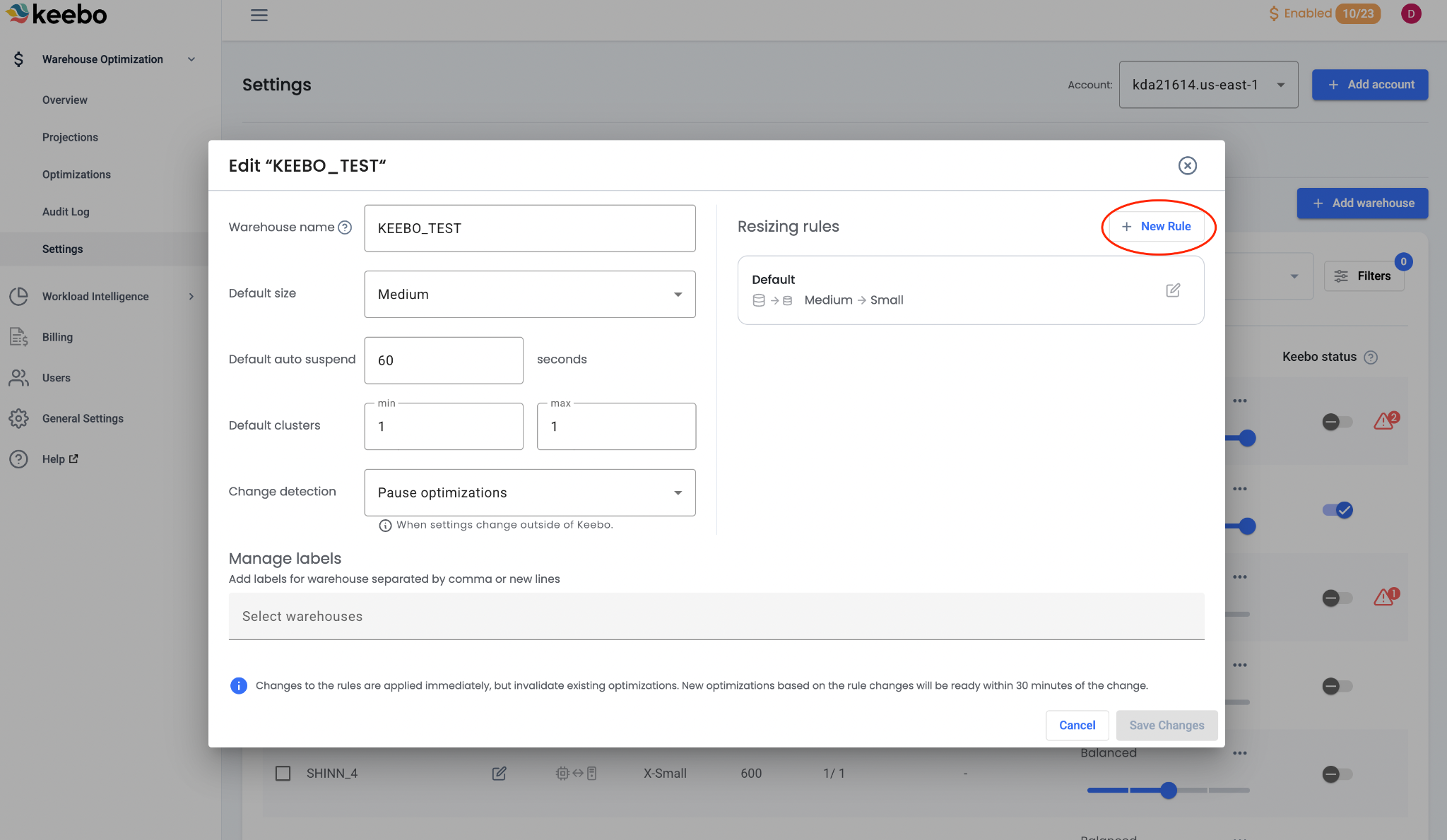
Periods of Large Query Workloads
Warehouses may receive larger query workloads at specific times. A custom rule can adjust warehouse and optimization settings during those periods. For example, a rule can disable optimizations or increase the default warehouse size and maximum cluster count.
Periods of Low Query Workloads
Warehouses may experience little or no activity during certain time periods. A custom rule can decrease the default warehouse size and maximum cluster count during those times.
How Can Cost Savings Be Increased?

If no performance issues are present, Warehouse Optimization configurations can be tuned to increase cost savings. To maximize savings, enable all optimizations for the warehouse and increase the aggressiveness slider.
How Can Performance Be Improved?

If performance issues are present, Warehouse Optimization configurations can be tuned to improve warehouse performance. Options include decreasing the aggressiveness slider and disabling specific optimizations. In cases of consistent issues, updating the warehouse's default values may be necessary.
Tune performance guardrails before disabling an optimization. See the section below for more information.
How Are Performance Guardrails Customized?
Performance guardrails prevent Warehouse Optimization from causing specific performance problems. The appropriate guardrail criteria depend on the needs of the data workflow.
In every scenario below, Warehouse Optimization undoes a downsize optimization if the guardrail criteria are met. Warehouse Optimization does not upsize warehouses by default. If performance issues persist after a backoff, consider changing the default size of the warehouse.
Avoiding Excessive Query Latency
Some workflows require queries to finish within a specific time to meet an SLA. A guardrail can trigger a backoff if any query's latency exceeds a specified threshold, ensuring queries continue to complete on time.
Avoiding Excessive Query Queuing
Some workflows, such as ELT processes, are impacted by a long queue of queries. A guardrail can trigger a backoff when the number of queued queries reaches a specified threshold.
Avoiding Excessive Queue Times
Some workflows, such as customer-facing dashboards, require that queries do not wait in queues for extended periods. A guardrail can trigger a backoff when any query remains in a queue longer than a specified threshold.